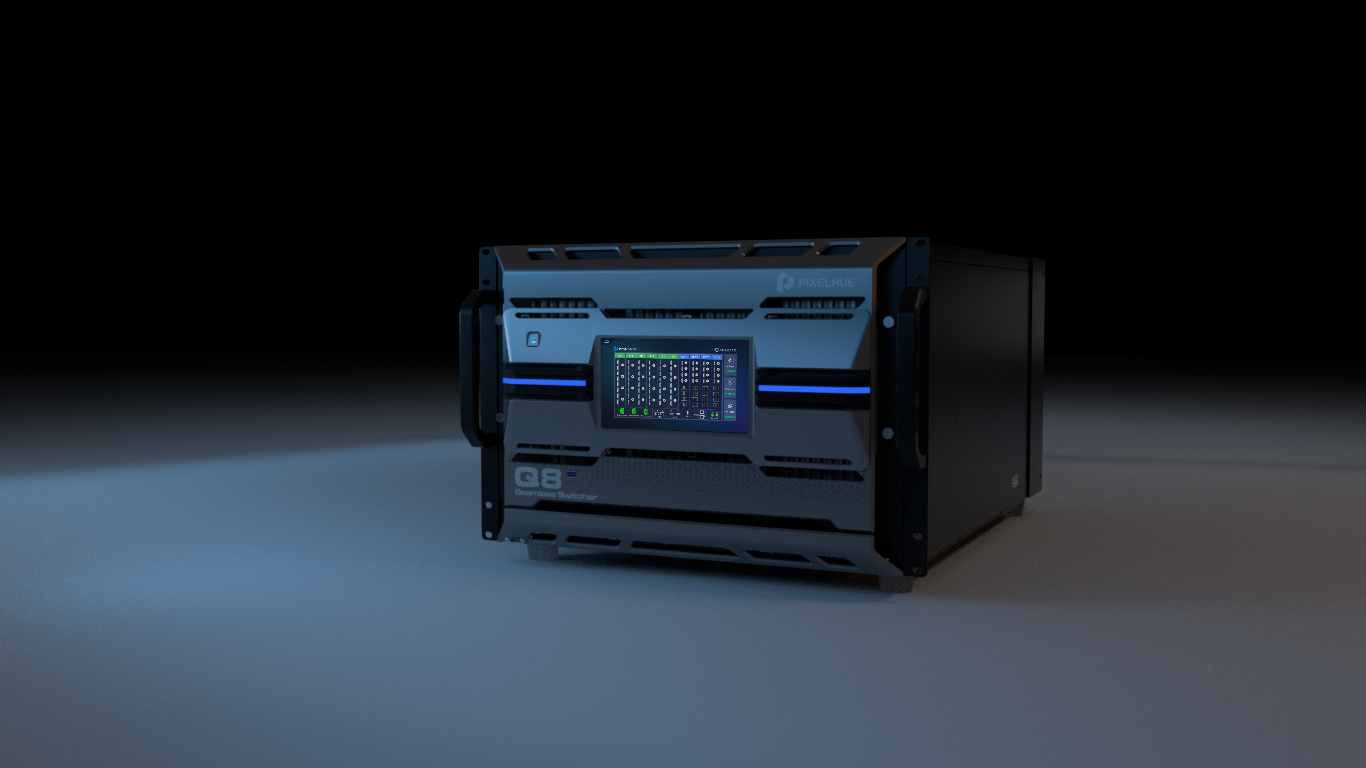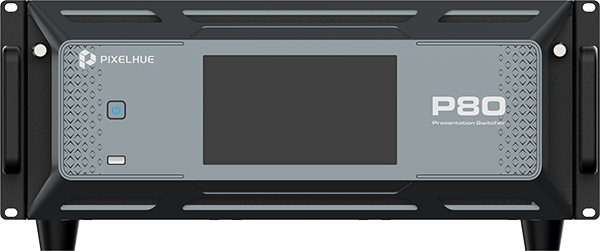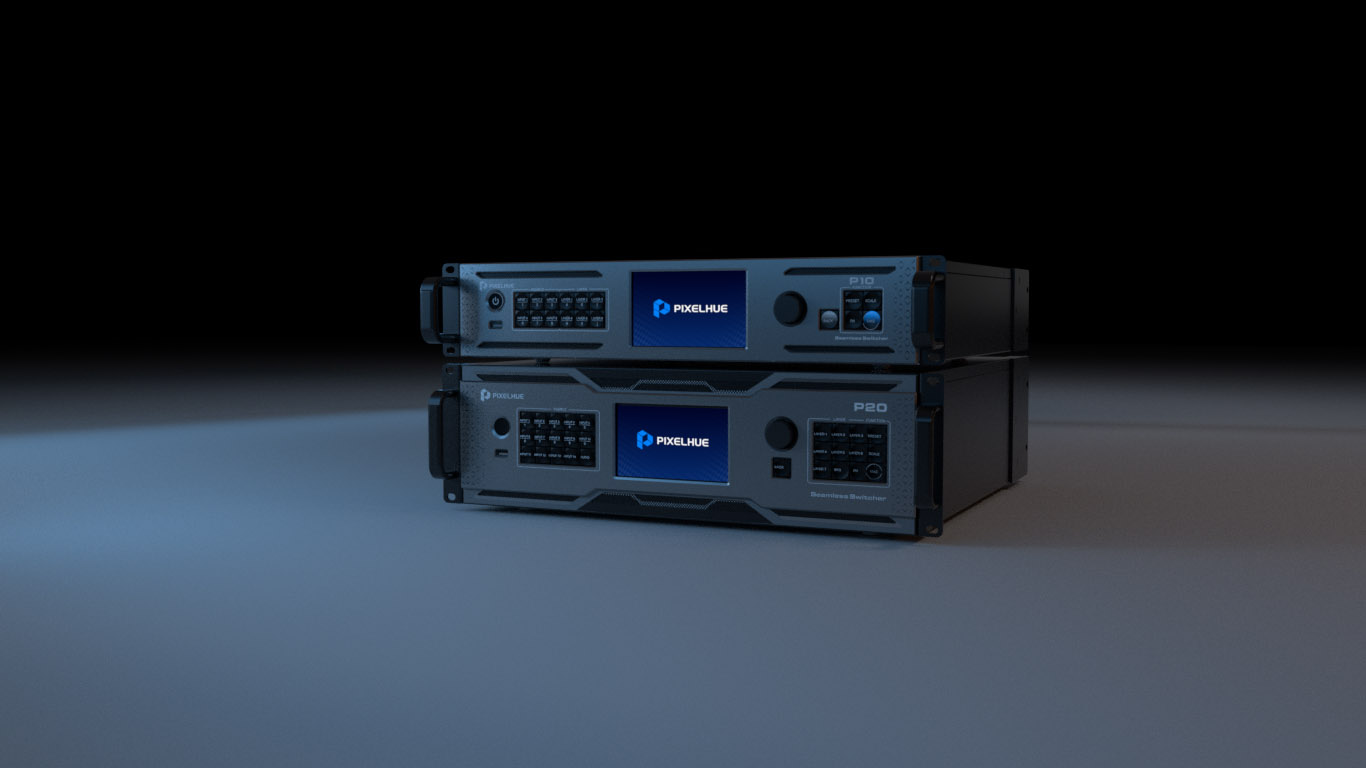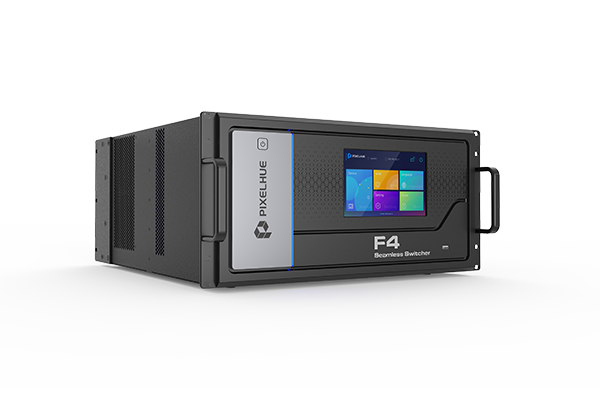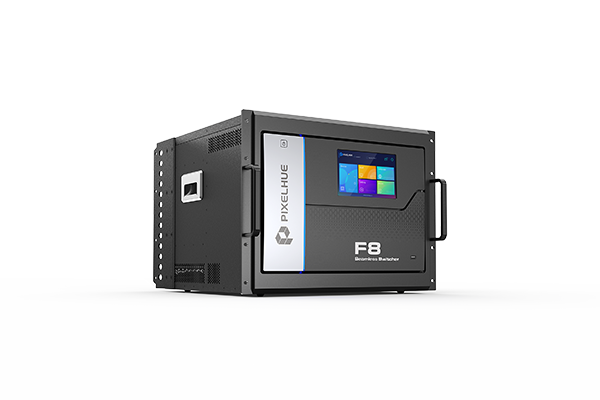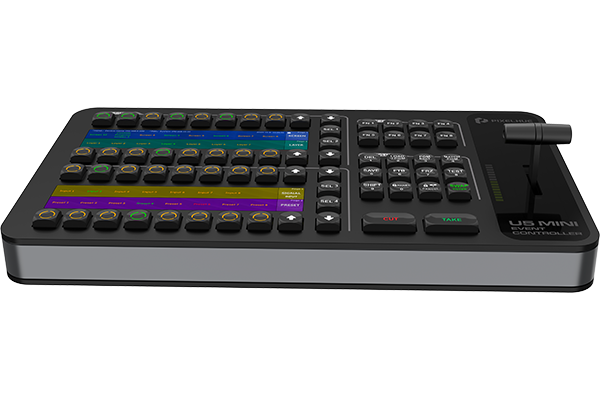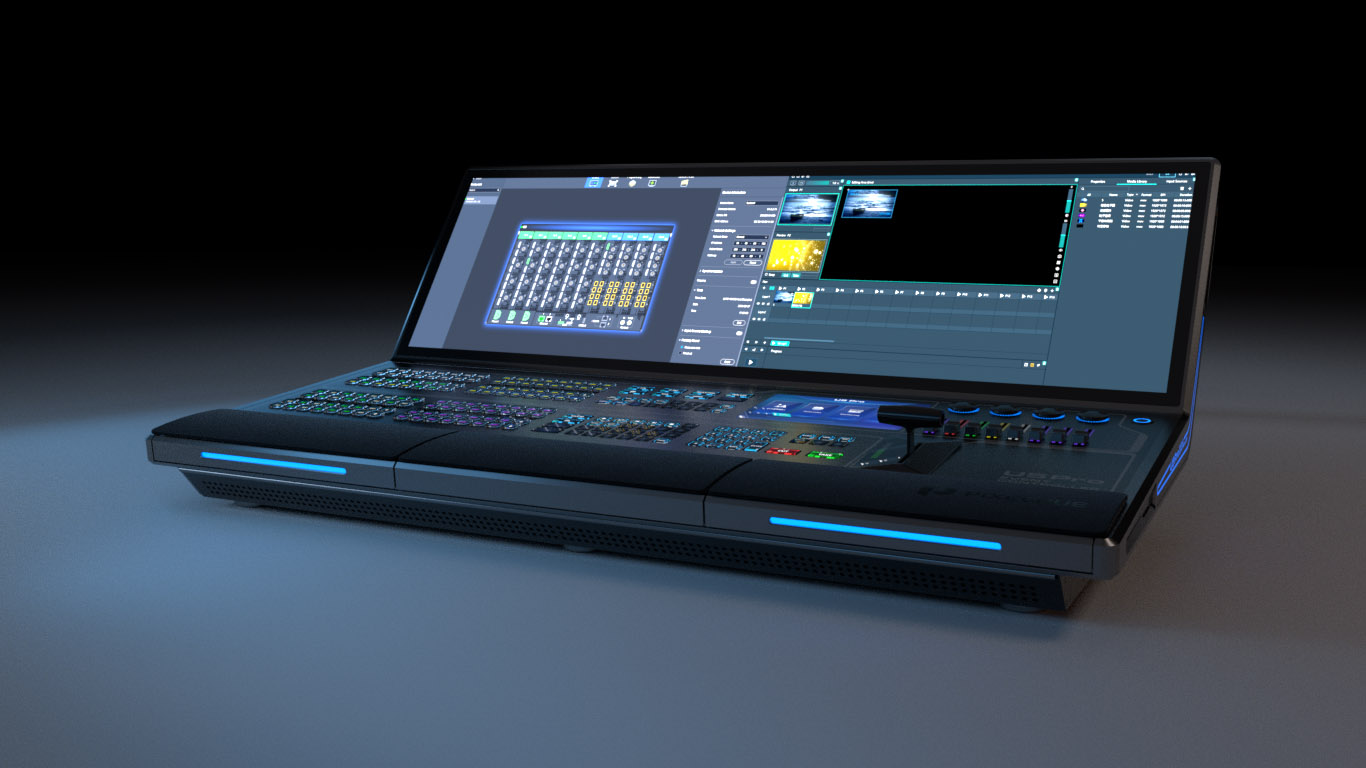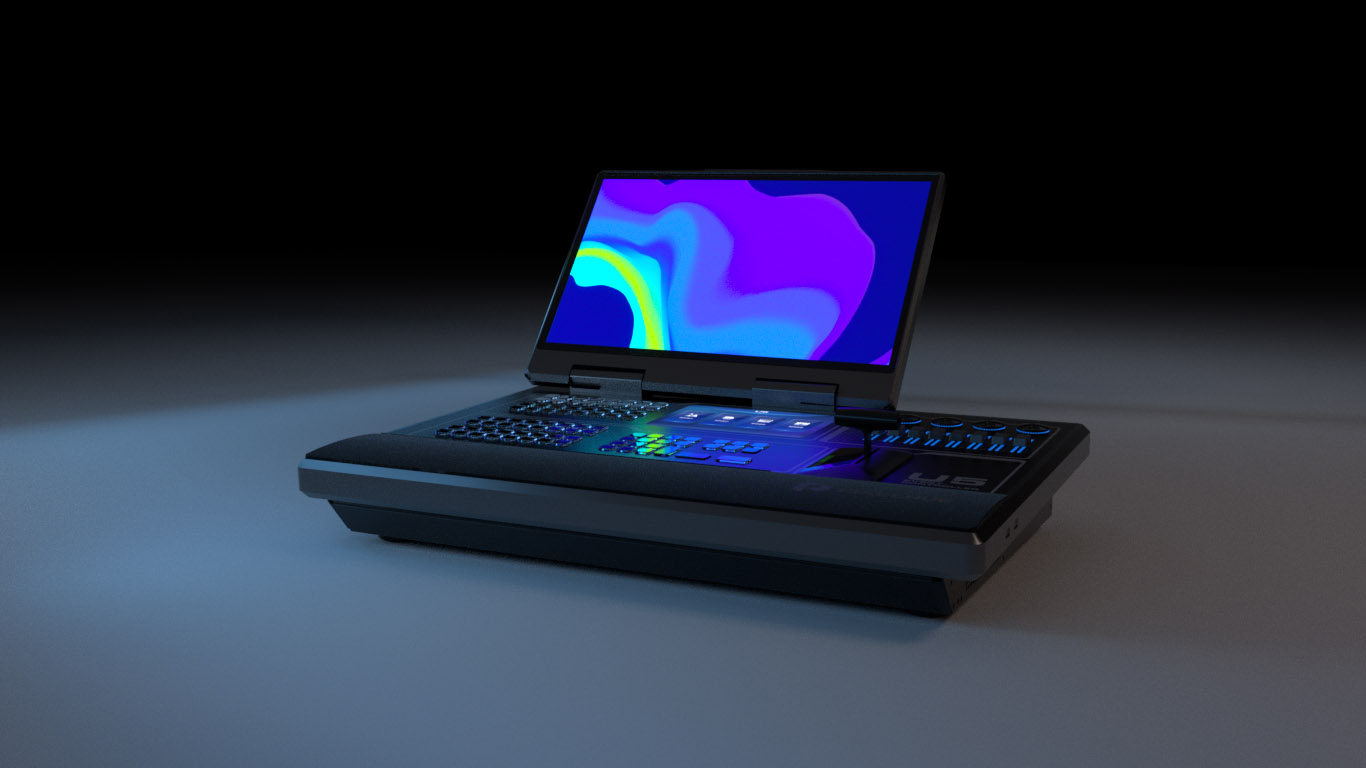
Downloads, documentation, and technical assistance for your equipment.
Get the latest firmware, software, and drivers for your devices.
Access user manuals, quick start guides, and specifications.
Need technical help? Contact our 24/7 global support team.
Download the latest firmware package from the Downloads section. Connect a USB drive containing the package to the console, navigate to Settings > System > Update, and select the file.
Standard warranty covers 2 years for all presentation switchers and consoles. Extended warranty packages are available through your local distributor.
Ready to elevate your visual infrastructure? Let's talk.